 ← PC Parts
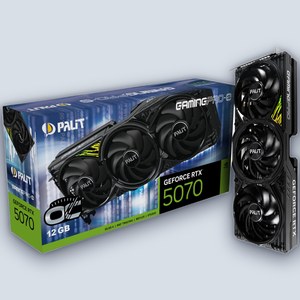 NVIDIA / GeForce
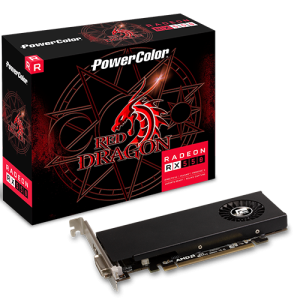 AMD Radeon
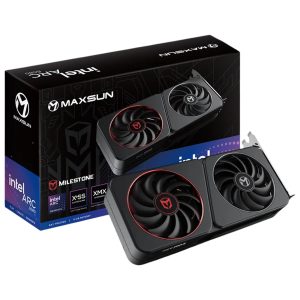 Intel Arc
 Phones
 Phone Accessories
 Chargers & Cables
 Smartwatches
 Earbuds Cases & Accessories
 Tablets
 Tablet Accessories
 Smartwatch Accessories
 Trackers & Tags
 Laptops
 Gaming Laptops
 Desktops
 Mini PCs
 Servers & Workstations
 Printers
 Graphics Tablets
 Laptop Accessories
 Laptop Bags
 Processors
 Motherboards
 Memory (RAM)
 Graphics Cards
 Storage
 Power Supplies
 Cooling
 Cases
Cases Case Accessories
 GPU Accessories
 Expansion Cards
 PC Modding
 Thermal Paste
 Mining Hardware
 Keyboards
 Mice
Mice Gaming Headsets
 Mouse Pad
 Webcams
 Video Conferencing
 Microphone
 Capture Cards
 Gaming Chairs
 Gaming Desks
 Racing Wheels & Sims
 Controllers & Gamepads
 Flash Drives & Memory Cards
 Video & Streaming
 Hubs & Docking
 Keyboard & Mouse Combos
 Software
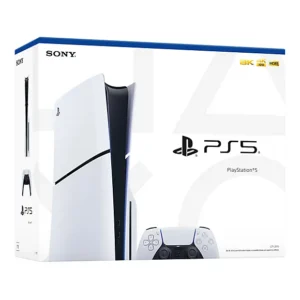 PlayStation & Accessories
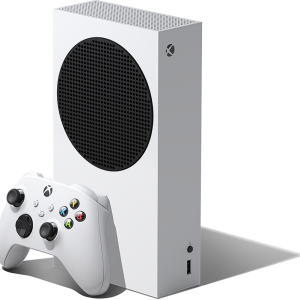 Xbox & Accessories
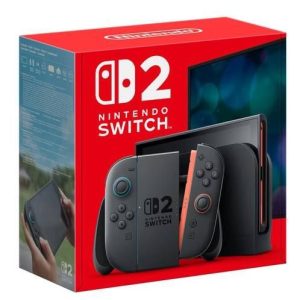 Nintendo & Accessories
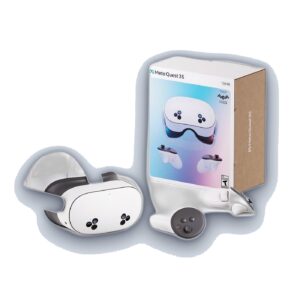 VR & Accessories
 Gaming Monitors
 Office Monitors
 Commercial & Touch Displays
 Monitor Arms & Mounts
 Earbuds & Headphones
 Speakers
 Audio Accessories
 Routers & Mesh
 Network Switches
 Access Points & Extenders
 Cables & Adapters
 KVM Switches
 Security Cameras
 Network Cards
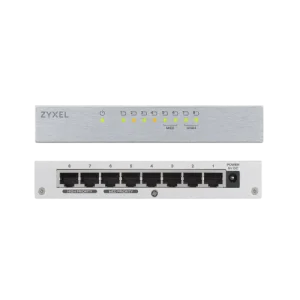 Network Switches
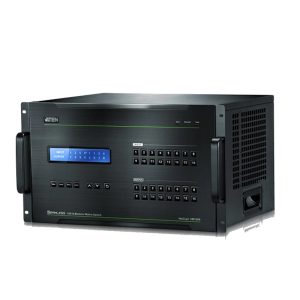 Racks & Cabinets
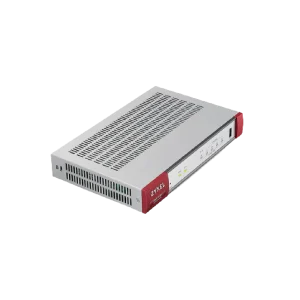 Firewalls & Security
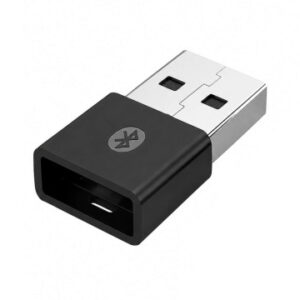 WiFi USB Adapters
 VoIP Phones
 Power Banks
 UPS & Backup Power
 Solar Panels & Kits
 Batteries
 Power Strips & Surge
 Home & Appliances
 Home & Living
 Massage & Wellness
 Outdoor & Camping
 Bags & Luggage
 Sunglasses & Eyewear
 Gadgets & Novelties
 Personal Care
 E-Reader Accessories
 E-Readers
 Power Tools
 Hand Tools
 Garden & Outdoor
 Tool Kits & Sets
 Crafting Supplies
 Electric Scooters
 Action & 360 Cameras
 Compact Cameras
 Your graphics card is the single biggest factor in gaming and creative performance. At Halawani Tech Plus in Beit Hanina we stock the latest NVIDIA GeForce RTX and AMD Radeon cards, from budget 1080p GPUs to no-compromise 4K flagships — every card genuine, warrantied locally, and ready to build into a custom PC.Buying guideMatch the GPU to your monitor: 1080p high-refresh, 1440p, or 4K.Check your case clearance and PSU wattage — our PC Builder does this automatically.VRAM matters for 4K and creative work: 12GB+ recommended for 4K gaming.Ray tracing and DLSS/FSR upgrade image quality and frame rates.Not sure? WhatsApp us your monitor and budget for a free recommendation.Frequently asked questionsWhich GPU do I need for 1440p gaming?An RTX 5070 / RX 9070 class card handles high-refresh 1440p comfortably in most titles. For 4K, step up to an RTX 5080/5090.Will this GPU fit my case?Use our free PC Builder — it checks card length against your case automatically. Or bring your case in and we'll confirm.Do you install the GPU for me?Yes. Buy it with a custom build or an upgrade and we fit, test, and update drivers in-store at Baladi Mall.
The GPU is usually the single biggest jump in gaming and creative performance — here is how to pick the right one for your resolution, budget, and case.
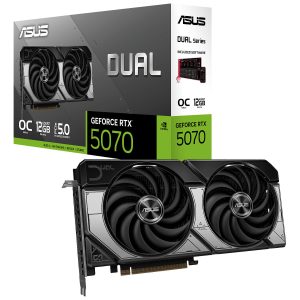
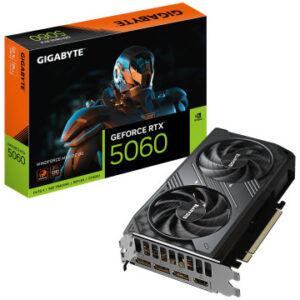
Start with your resolution and refresh rate, not the biggest number on the box. 1080p high-refresh gaming barely taxes a card like the RTX 5060 8GB; 1440p is where a 5070-class card earns its keep; 4K or heavy creative work (video editing, 3D rendering) is where the 5080/5090 tier and their 16GB+ of VRAM start to matter. Buying more card than your monitor can use just moves the bottleneck somewhere else.
Check your power supply before your GPU. Every card here lists its recommended PSU wattage and connector type on its product page — a 5070-class card typically wants a solid 650W unit, while a 5090 can call for 1000W and multiple 12V-2x6 connectors. Our Setup Builder tool flags a PSU mismatch automatically if you're building a full PC with us, or bring your tower in and we'll check it for free.
NVIDIA vs AMD vs Intel Arc comes down to what you actually use the card for. NVIDIA (GeForce RTX) has the strongest ray-tracing and DLSS upscaling support and the widest creative-app compatibility; AMD (Radeon RX) usually gives more raw rasterization performance per shekel; Intel Arc is a newer, budget-friendly option that's improved a lot but still trails in a few older titles. If you're not sure, ask us in-store — we build PCs with all three every week.
Every graphics card we sell is genuine and comes with its full manufacturer warranty. If you're upgrading an existing PC rather than building new, bring the card and your tower into our Beit Hanina store and we'll install and test it for free.