 ← Cooling Accessories
 Cooler LCD Modules
 Mounting Brackets & Kits
 Water Cooling Parts
 Fan & RGB Controllers
 Fan Grilles & Hardware
 SSD Coolers
 Phones
 Phone Accessories
 Chargers & Cables
 Smartwatches
 Earbuds Cases & Accessories
 Tablets
 Tablet Accessories
 Smartwatch Accessories
 Trackers & Tags
 Laptops
 Gaming Laptops
 Desktops
 Mini PCs
 Servers & Workstations
 Printers
 Graphics Tablets
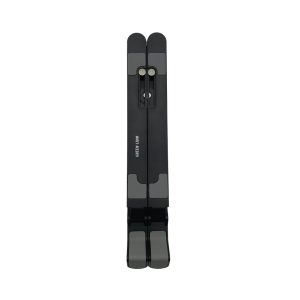 Laptop Accessories
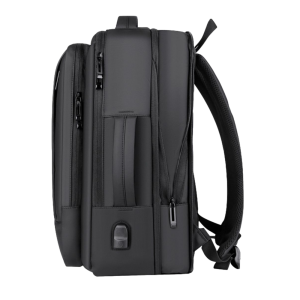 Laptop Bags
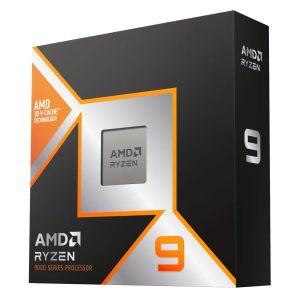 Processors
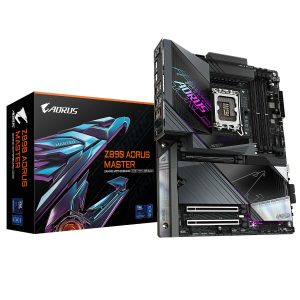 Motherboards
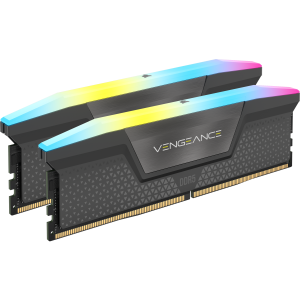 Memory (RAM)
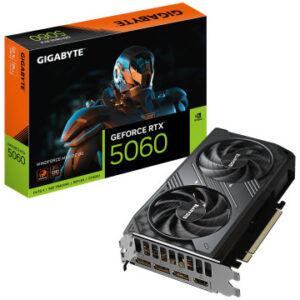 Graphics Cards
 Storage
 Power Supplies
 Cooling
 Cases
Cases Case Accessories
 GPU Accessories
 Expansion Cards
 PC Modding
 Thermal Paste
 Mining Hardware
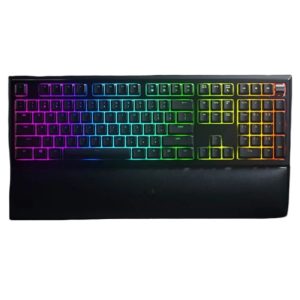 Keyboards
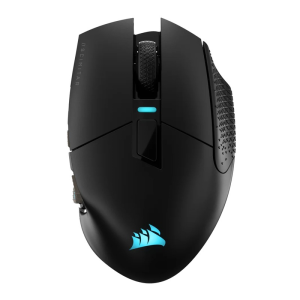 Mice
Mice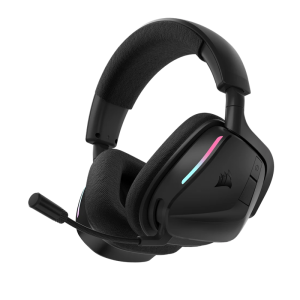 Gaming Headsets
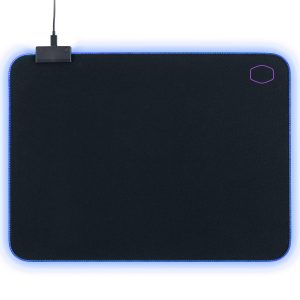 Mouse Pad
 Webcams
 Video Conferencing
 Microphone
 Capture Cards
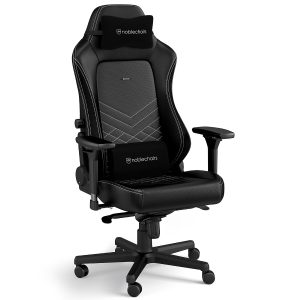 Gaming Chairs
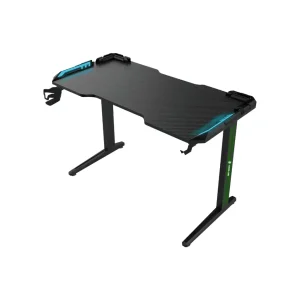 Gaming Desks
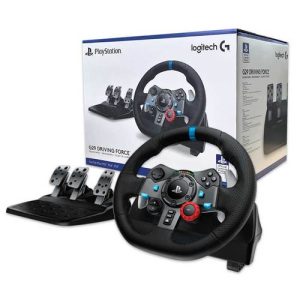 Racing Wheels & Sims
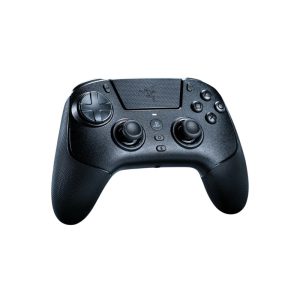 Controllers & Gamepads
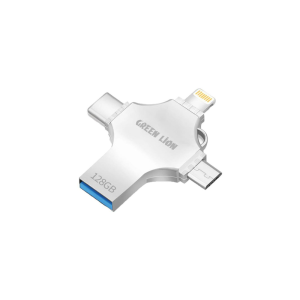 Flash Drives & Memory Cards
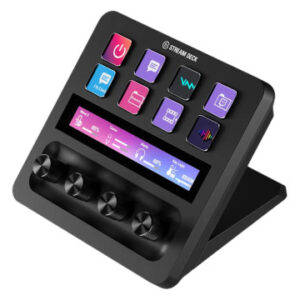 Video & Streaming
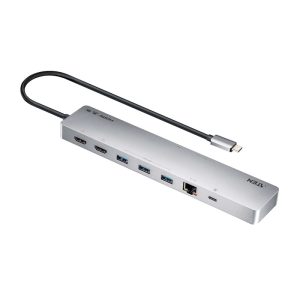 Hubs & Docking
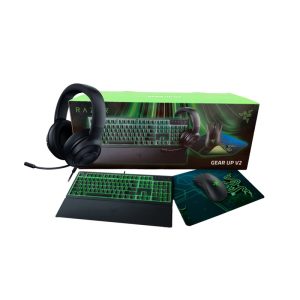 Keyboard & Mouse Combos
 Bundles & Deals
 Software
 PlayStation & Accessories
 Xbox & Accessories
 Nintendo & Accessories
 VR & Accessories
 Gaming Monitors
 Office Monitors
 Commercial & Touch Displays
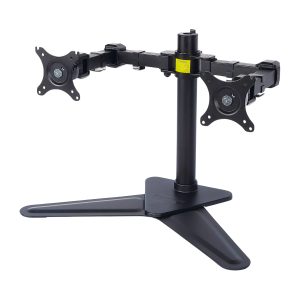 Monitor Arms & Mounts
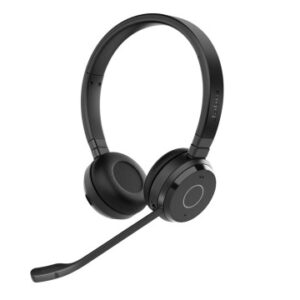 Earbuds & Headphones
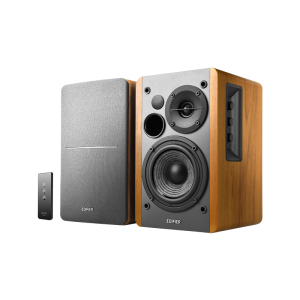 Speakers
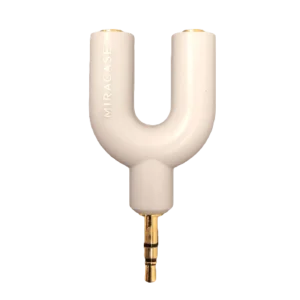 Audio Accessories
 Routers & Mesh
 Network Switches
 Access Points & Extenders
 Cables & Adapters
 KVM Switches
 Security Cameras
 Network Cards
 Network Switches
 Racks & Cabinets
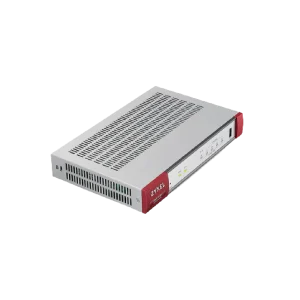 Firewalls & Security
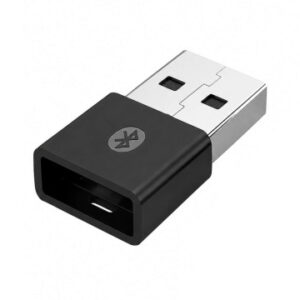 WiFi USB Adapters
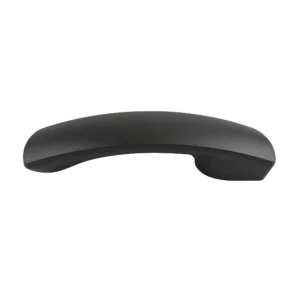 VoIP Phones
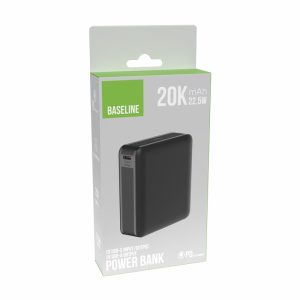 Power Banks
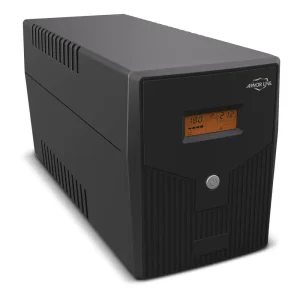 UPS & Backup Power
 Solar Panels & Kits
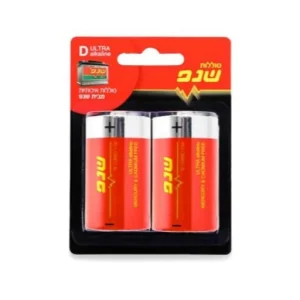 Batteries
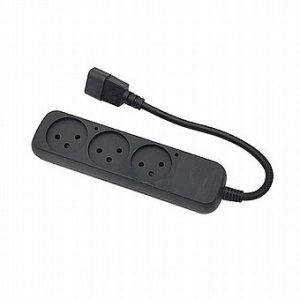 Power Strips & Surge
 Home & Appliances
 Home & Living
 Massage & Wellness
 Outdoor & Camping
 Bags & Luggage
 Sunglasses & Eyewear
 Gadgets & Novelties
 Personal Care
 E-Reader Accessories
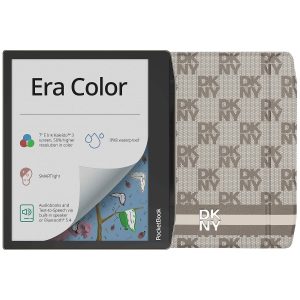 E-Readers
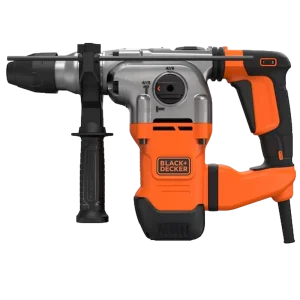 Power Tools
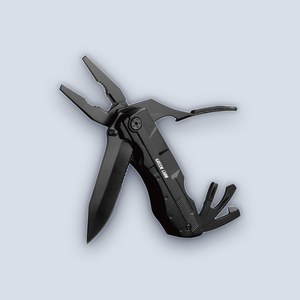 Hand Tools
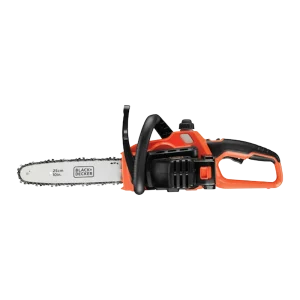 Garden & Outdoor
 Tool Kits & Sets
 Crafting Supplies
 Electric Scooters
 Action & 360 Cameras
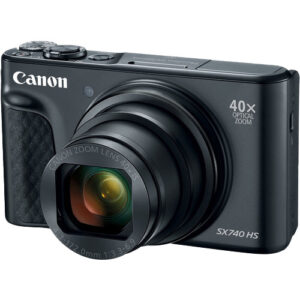 Compact Cameras
 Air coolers, AIO liquid coolers, and case fans from Noctua, Corsair, CoolerMaster, Gigabyte, be quiet!, Antec, Lian-Li, NZXT, Arctic and more.
It depends on your priorities. Air coolers are simpler, quieter over time, and need no maintenance; AIOs handle hotter CPUs better and look cleaner in a windowed case. Both work well for most builds.
Check the cooler or radiator's height/size clearance against your case's spec sheet, use our PC Builder tool, or bring your case in and we'll confirm.
Yes — free with any cooler purchase or PC build at our Beit Hanina store.
Play GameDex, hear about deals first, and get help with your build — free, on Discord.
Join the Discord Sign in with Discord